Stage 1: Choose Image Type
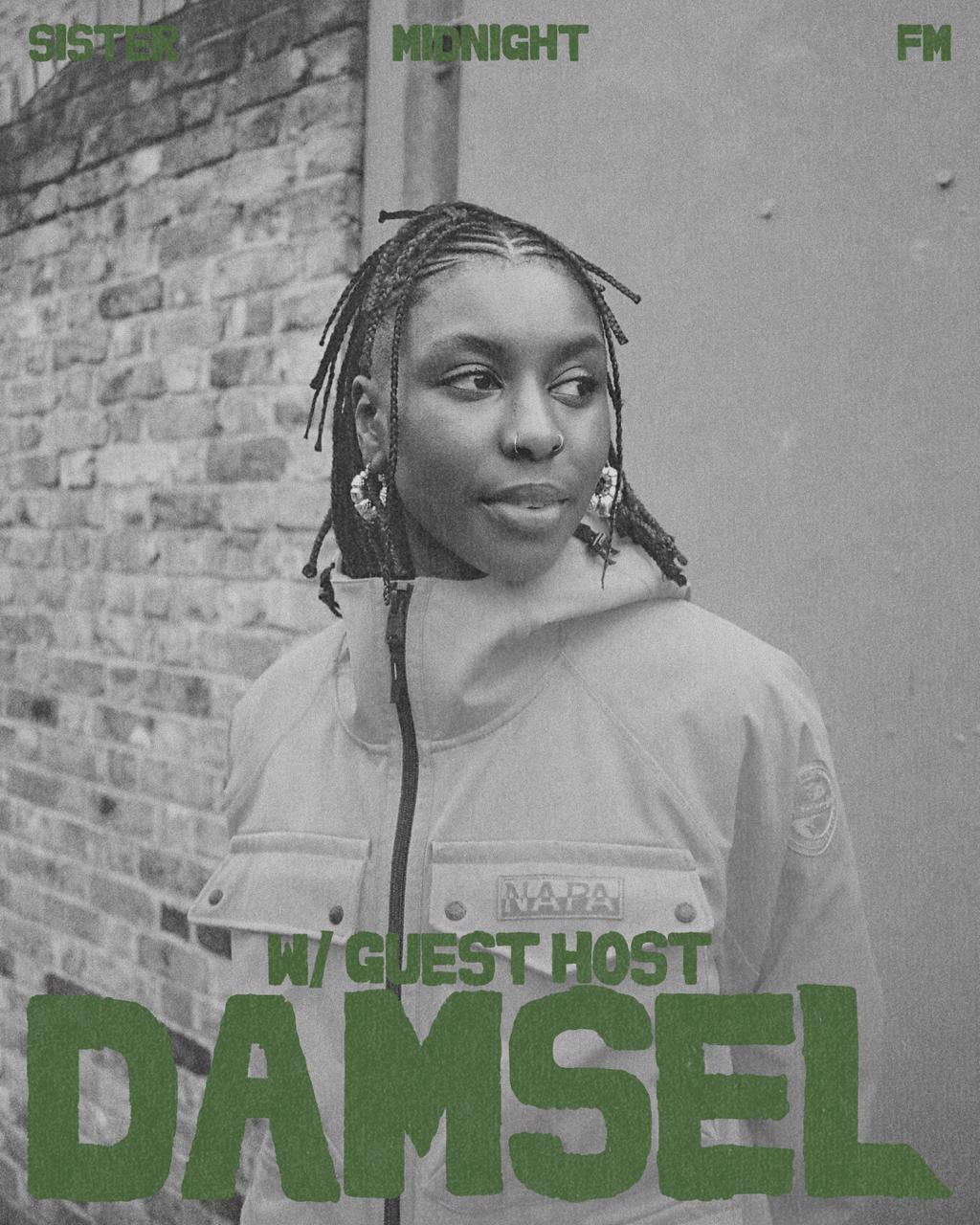 Artist Image
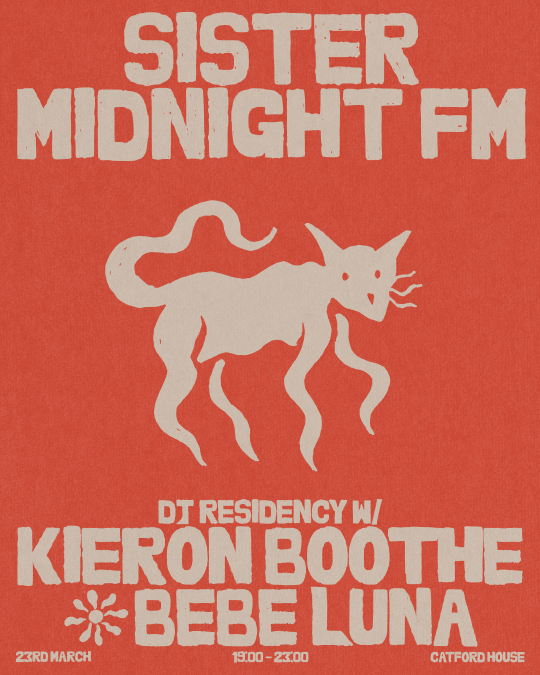 SMFM art template
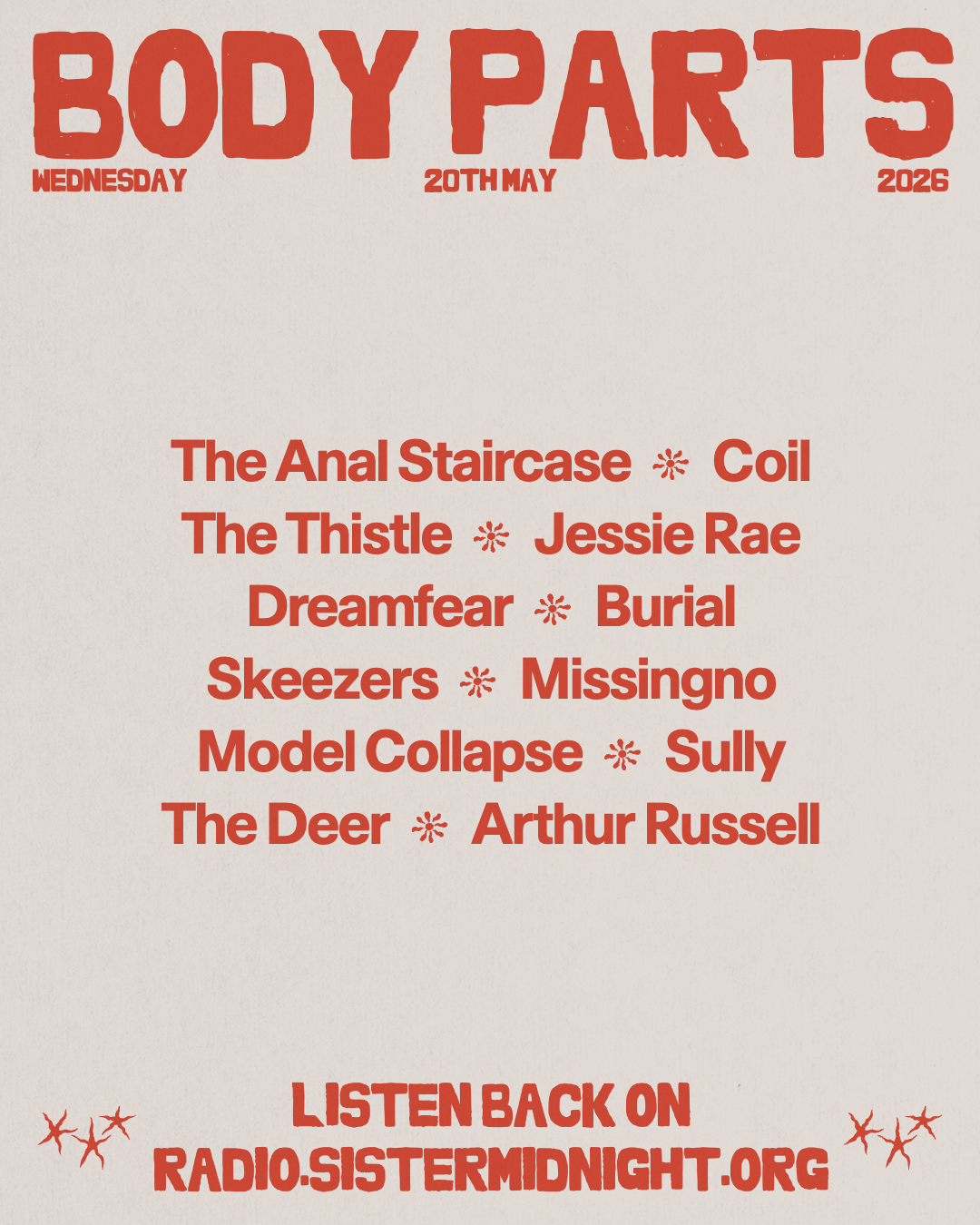 Tracklist
Stage 2: Upload Image
Image will be automatically resized to 1080px × 1350px - 4:5 aspect ratio
Stage 3: Adjust Image
Tip: You can also click and drag directly on the image to adjust position
Stage 4: Show Details
Stage 5: Choose Colour
Select a colour for the title and text.
Stage 6: Export
If the download doesn't work on your phone, open the image in a new tab, then press and hold it to save.